Visual similarity
Find resized, compressed, edited, and visually related images with hybrid matching.
Native macOS · Fully local
Finder Sight searches your local image library using perceptual hashes and on-device Apple Vision features. Your images never leave your Mac.
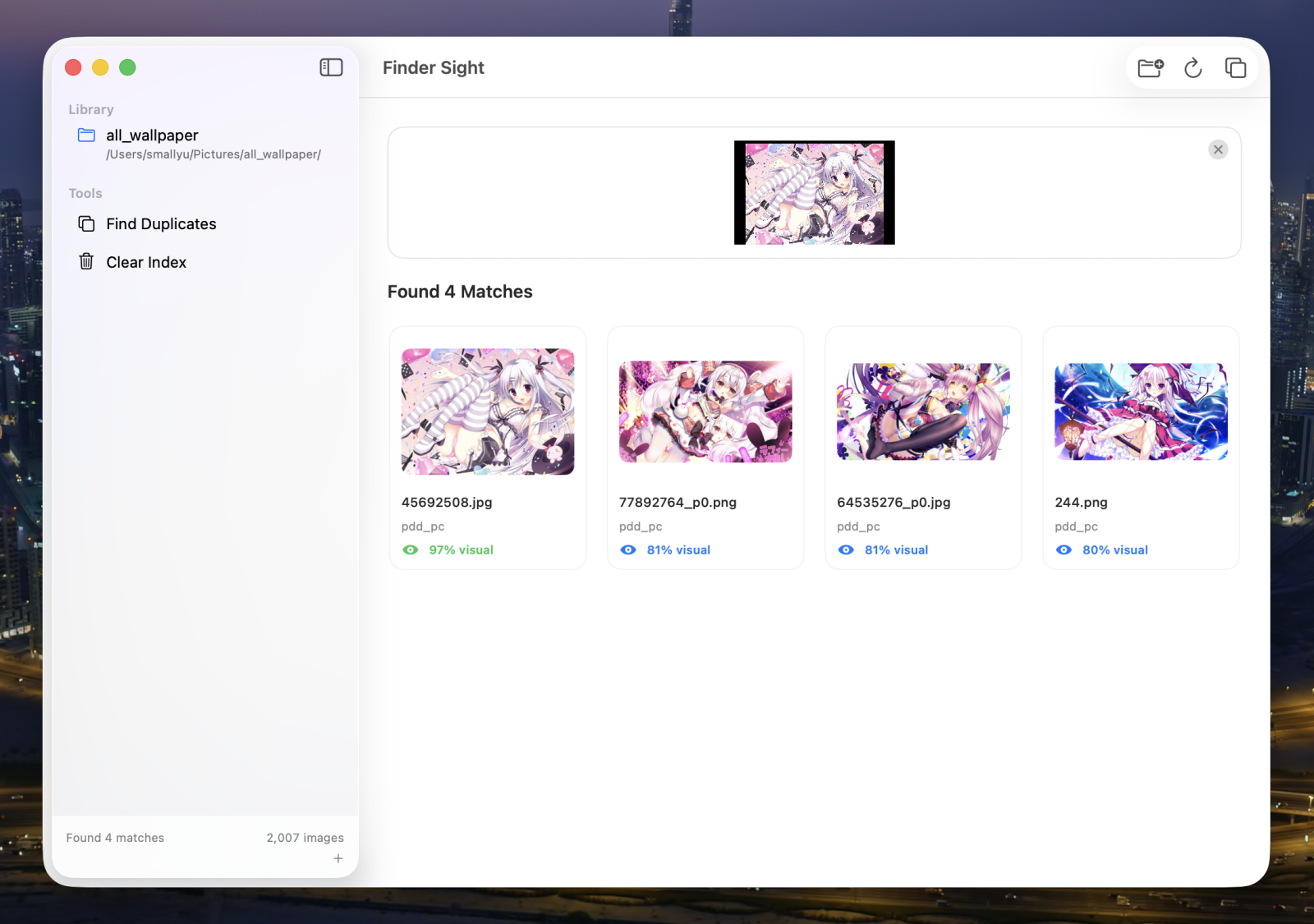
Built for local libraries
Drop in an image and let Finder Sight compare what it looks like—not what it is called.
Find resized, compressed, edited, and visually related images with hybrid matching.
Group exact duplicates, keep the best-quality copy, and move the rest to Trash.
No account, cloud index, hosted backend, advertising, analytics, or background service.
Duplicate detection
Finder Sight shows image dimensions, file size, and the recommended keeper before anything moves. Removed copies go to the macOS Trash, so cleanup stays recoverable.
Learn about duplicate cleanup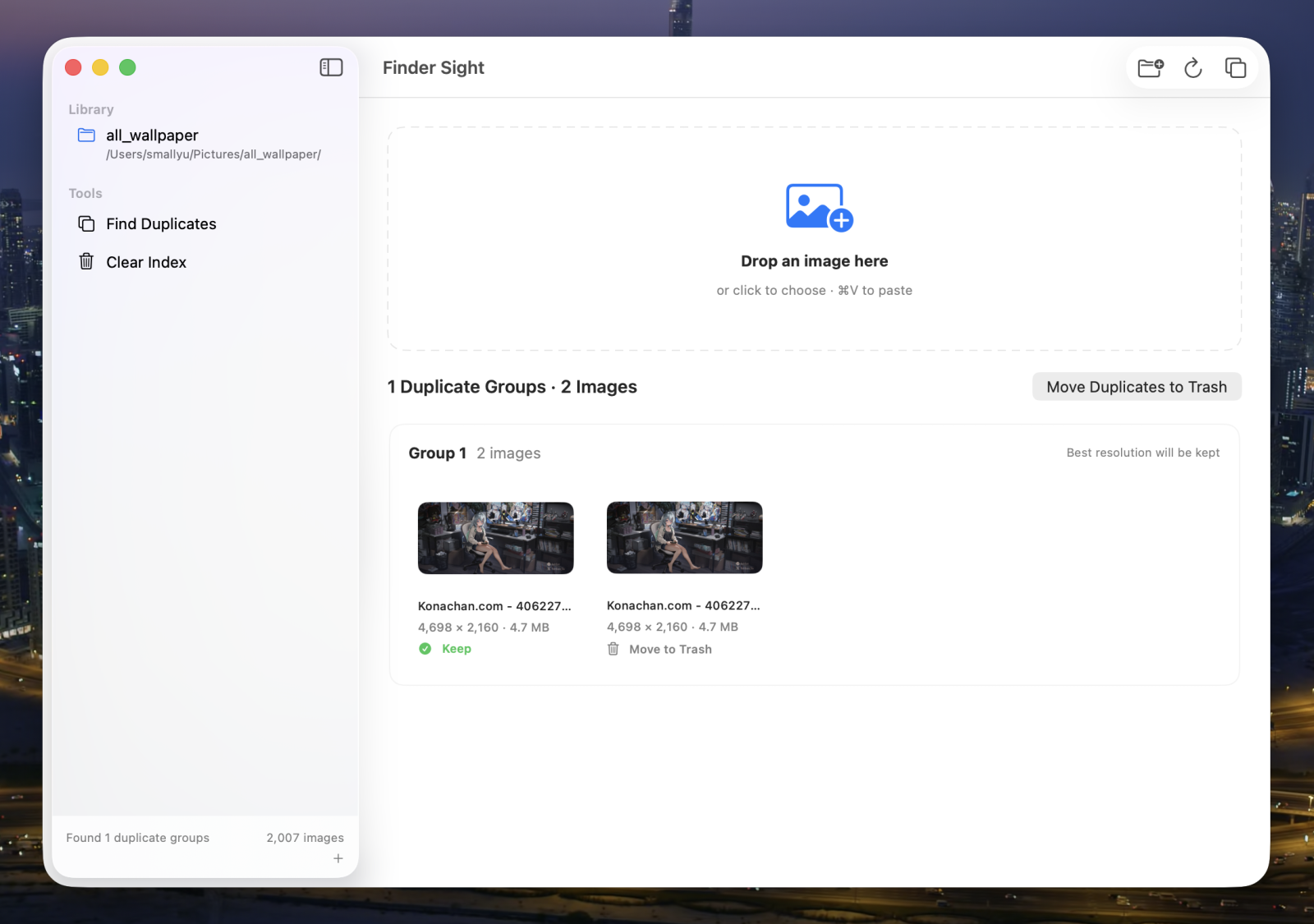
Three simple steps
Choose the image libraries you want Finder Sight to index.
Drag, choose, or paste the picture you want to find.
Open a result or reveal its exact location in Finder.
Auditable security
The source, CI results, security analysis, release checksum, and build provenance are public. The only app network request is a manual update check against GitHub Releases.


shasum -a 256 -c \
FinderSight-macOS.dmg.sha256

gh attestation verify \
FinderSight-macOS.dmg \
-R smallyunet/finder-sight
Install Finder Sight

Native macOS performance. Local Apple Vision analysis. No account required.